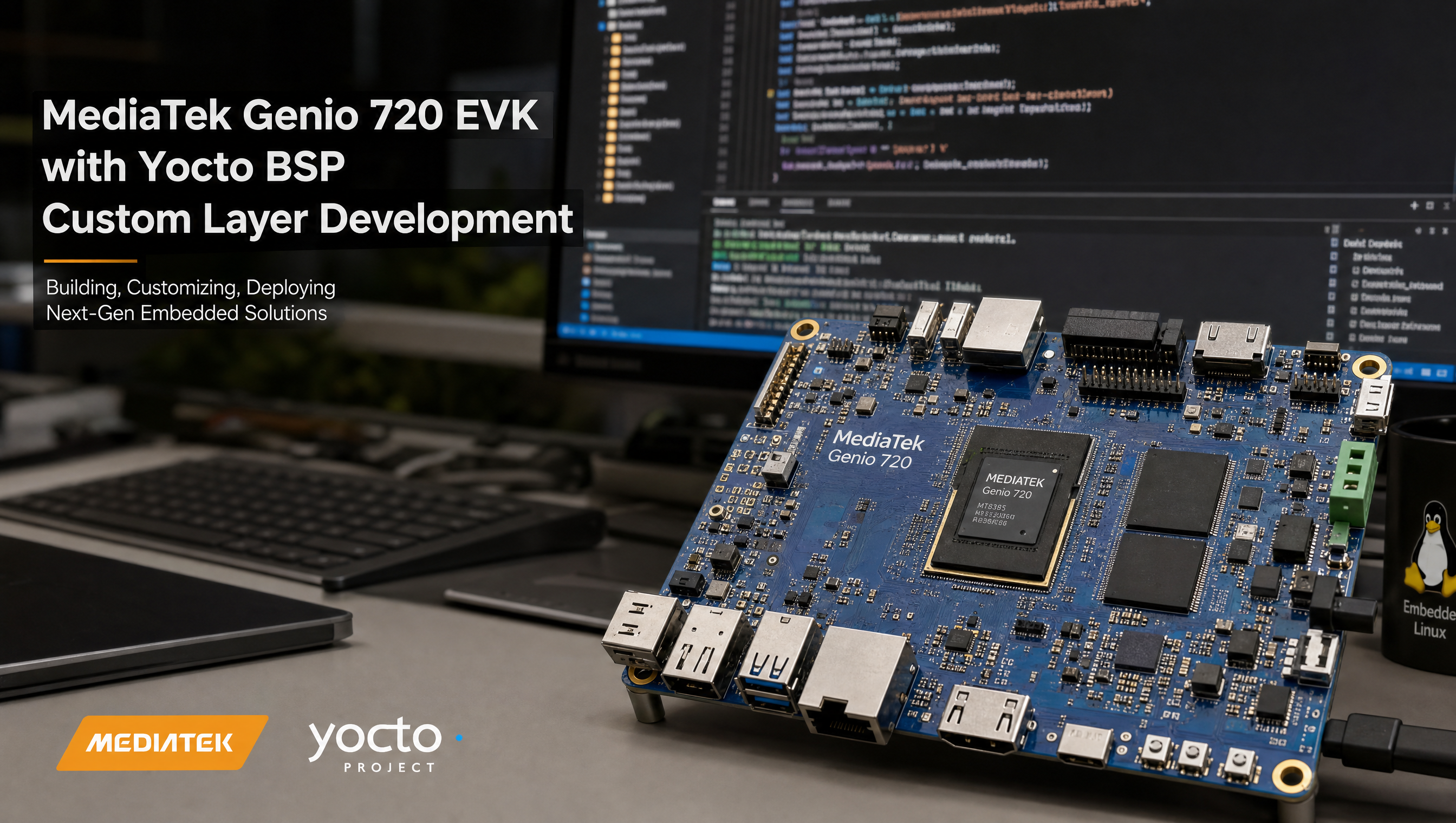
Building a custom Yocto meta layer for MediaTek Genio
Every Genio product that ships needs a custom Yocto layer for board-specific changes: kernel patches, device tree modifications, machine configuration, and product-specific packages. Putting these changes directly in meta-mediatek-bsp or meta-rity creates merge conflicts on every BSP update. A custom layer keeps your changes isolated and auditable.
Key Insights
conf/layer.confis the only required file: without it, BitBake ignores the directory entirely- bbappend files are the right tool for modifying upstream recipes, never edit source recipes in other layers
- Scope SRC_URI patches to your machine name:
SRC_URI:append:my-machineprevents your DTS patch from applying to EVK builds - RITY skeleton (
meta-rity-skeleton) is the correct starting point: copy it rather than starting from scratch - Layer priority 9 overrides base RITY (8) and BSP (7), use it consistently across your custom layers
- Use
LAYERSERIES_COMPAT = "scarthgap": build fails at layer parse time if your Yocto version isn’t listed
Step 1: Create the layer structure
mkdir meta-myproduct
cd meta-myproduct
git init

# Minimum required structure
mkdir -p conf
touch conf/layer.conf
The directory name conventionally starts with meta-. It can be anything, but meta-<product> is standard.
Step 2: Write conf/layer.conf
This is the file BitBake checks first. Every field is required:
BBPATH .= ":${LAYERDIR}"

BBFILES += "${LAYERDIR}/recipes-*/*/*.bb \
            ${LAYERDIR}/recipes-*/*/*.bbappend"

BBFILE_COLLECTIONS += "myproduct"
BBFILE_PATTERN_myproduct = "^${LAYERDIR}/"
BBFILE_PRIORITY_myproduct = "9"

LAYERVERSION_myproduct = "1"
LAYERDEPENDS_myproduct = "rity core mediatek-bsp"
LAYERSERIES_COMPAT_myproduct = "scarthgap"
Key notes:
BBPATH .=, note the.=and the leading:. This appends to the existing path. Using=instead breaks all other layers.BBFILE_COLLECTIONS, short identifier, no hyphens. Used internally by BitBake for priority resolution.BBFILE_PRIORITY, integer. 9 overrides RITY (8) and the MediaTek BSP (7). Use 9 for your product layer consistently.LAYERDEPENDS, lists layers this layer requires. Build fails at parse time if a dependency is missing.LAYERSERIES_COMPAT, space-separated. Build fails if the current Yocto version isn’t in this list.
Step 3: Add the layer to bblayers.conf
BBLAYERS += " \
  ${BSPDIR}/sources/meta-myproduct \
"
Layer order in BBLAYERS matters when priorities are equal, later entries win. Since your layer is priority 9, order is less critical, but put it after all MediaTek layers.
Step 4: Machine configuration
Create a machine config that inherits from the appropriate SoC include:
mkdir -p conf/machine
# conf/machine/my-carrier-board.conf
require conf/machine/include/mt8391.inc   # For Genio 520/720 SoC

KERNEL_DEVICETREE = "mediatek/my-carrier.dtb"
UBOOT_MACHINE = "my_carrier_defconfig"

MACHINE_FEATURES:append = " \
    alsa bluetooth pci usbgadget usbhost wifi tsn \
"

MACHINEOVERRIDES =. "my-carrier-board:"
SoC include mapping:
| SoC | Include file |
|---|---|
| MT8391 (Genio 720) | mt8391.inc |
| MT8371 (Genio 520) | mt8391.inc (same footprint) |
| MT8390 (Genio 700) | mt8188.inc |
| MT8370 (Genio 510) | mt8188.inc |
| MT8395 (Genio 1200) | mt8395.inc |
Step 5: Kernel bbappend for patches and config fragments
mkdir -p recipes-kernel/linux
# recipes-kernel/linux/linux-mtk_%.bbappend
FILESEXTRAPATHS:prepend := "${THISDIR}/${PN}:"

# Only apply to your carrier board, not to EVK builds
SRC_URI:append:my-carrier-board = " \
    file://0001-my-carrier-spi1-enable.patch \
    file://my-carrier.cfg \
"
The % wildcard in linux-mtk_%.bbappend matches any version of the kernel recipe. FILESEXTRAPATHS:prepend tells BitBake to look in your recipes-kernel/linux/linux-mtk/ directory for the patch files.
Generate the patch from your kernel source tree after making changes:
cd kernel-source
git diff arch/arm64/boot/dts/mediatek/mt8391-my-carrier.dts > \
  ../meta-myproduct/recipes-kernel/linux/linux-mtk/0001-my-carrier-spi1-enable.patch
Step 6: DTS overlays
For overlay-based DTS (DTBO), add the overlay file and extend the DTBO recipe:
mkdir -p recipes-kernel/dtbo
# recipes-kernel/dtbo/dtbo.bbappend
FILESEXTRAPATHS:prepend := "${THISDIR}/${PN}:"
SRC_URI:my-carrier-board += " \
    file://my-display.dts \
"
Use SRC_URI:machine (not SRC_URI:append) for overlays to keep them machine-scoped. The base DTBO recipe handles compilation and installation.
Step 7: Custom distro (optional)
If you need to change DISTRO_FEATURES or add product-specific configuration:
mkdir -p conf/distro
# conf/distro/my-product-distro.conf
require conf/distro/rity.inc

DISTRO = "my-product-distro"
DISTRO_NAME = "My Product"
DISTRO_VERSION = "1.0"

# Add or remove features from base RITY
DISTRO_FEATURES:append = " virtualization"
DISTRO_FEATURES:remove = "x11"
Activate in local.conf:
DISTRO = "my-product-distro"
Using the RITY skeleton pattern
meta-rity-skeleton in the RITY repo is a minimal template layer for exactly this use case. Clone it as your starting point:
# From within the RITY repo
cp -r meta-rity-skeleton ../../meta-myproduct
cd ../../meta-myproduct

# Update these in conf/layer.conf:
# - BBFILE_COLLECTIONS (change "rity-custom" to "myproduct")
# - BBFILE_PATTERN_* (match the new collection name)
# - LAYERDEPENDS (keep "rity core mediatek-bsp" at minimum)
The skeleton includes a machine config template, distro template, and example bbappend structure. It avoids the common mistake of copying too much from meta-rity itself.
Common patterns
Add product-specific packages
# recipes-myproduct/packagegroup-myproduct/packagegroup-myproduct.bb
DESCRIPTION = "My product runtime packages"
inherit packagegroup

RDEPENDS:${PN} = " \
    my-app \
    my-config \
    python3-mylib \
"
# In your image or local.conf
IMAGE_INSTALL:append = " packagegroup-myproduct"
Override a RITY recipe
# recipes-connectivity/wpa-supplicant/wpa-supplicant_%.bbappend
# Add your site-specific wpa_supplicant.conf
FILESEXTRAPATHS:prepend := "${THISDIR}/${PN}:"
SRC_URI:append:my-carrier-board = " file://wpa_supplicant.conf"
Increase rootfs size
# conf/machine/my-carrier-board.conf
IMAGE_ROOTFS_EXTRA_SPACE = "2097152"  # 2GB extra in KB
For the full RITY layer structure that your custom layer builds on top of, see What is RITY? MediaTek’s Genio reference distribution explained. For the full Yocto build workflow, see Yocto build guide for MediaTek Genio.
FAQ
What is the minimum required file for a Yocto meta layer?
A Yocto meta layer requires only conf/layer.conf. Without it, BitBake does not recognize the directory as a layer. The layer.conf must set BBPATH, BBFILES, BBFILE_COLLECTIONS, BBFILE_PATTERN, BBFILE_PRIORITY, LAYERVERSION, and LAYERSERIES_COMPAT.
Should I modify meta-rity directly or create a custom layer?
Always create a custom layer. Use bbappend files to extend or override recipes. Direct modifications to upstream layers create merge conflicts on every BSP update.
How do I apply a kernel DTS patch for a custom carrier board in Yocto?
Create a linux-mtk_%.bbappend in your layer’s recipes-kernel directory. Add FILESEXTRAPATHS:prepend to point at your patch directory and scope the patch to your machine name with SRC_URI:append:my-machine.
What is the RITY skeleton pattern for custom products?
meta-rity-skeleton is a minimal template layer in the RITY repo. Copy it, rename it, update conf/layer.conf with your collection name and layer dependencies, and add your product-specific recipes.
Relevant Services
MediaTek Genio Expert Support
Building on MediaTek Genio?
BSP bring-up, GStreamer pipelines, NeuroPilot integration, we've shipped it. Get unblocked fast. One call to scope it, fixed bid to deliver it.
Frequently Asked Questions
What is the minimum required file for a Yocto meta layer?
A Yocto meta layer requires only conf/layer.conf. Without it, BitBake does not recognize the directory as a layer. The layer.conf must set BBPATH, BBFILES, BBFILE_COLLECTIONS, BBFILE_PATTERN, BBFILE_PRIORITY, LAYERVERSION, and LAYERSERIES_COMPAT.
Should I modify meta-rity directly or create a custom layer?
Always create a custom layer. Never modify meta-rity or meta-mediatek-bsp directly. Use bbappend files in your layer to extend or override recipes. Direct modifications to upstream layers create merge conflicts on every BSP update and make your changes invisible to anyone reading your layer.
How do I apply a kernel DTS patch for a custom carrier board in Yocto?
Create a linux-mtk_%.bbappend in your layer's recipes-kernel directory. Add FILESEXTRAPATHS:prepend to point at your patch directory and add the patch to SRC_URI:append scoped to your machine name. This ensures the patch only applies to your board and not to EVK builds.
What is the RITY skeleton pattern for custom products?
meta-rity-skeleton is a minimal template layer in the RITY repo. Copy it, rename it to meta-yourproduct, update conf/layer.conf with your collection name and layer dependencies, and add your product-specific recipes. It provides the correct structure for a RITY derivative without copying all of meta-rity.

Written by
Aarón AnguloCo-Founder & CEO · ProventusNova
Obsessed with client outcomes. Aarón ensures every engagement delivers real results, on time, on scope, no exceptions.
Connect on LinkedInRelated Articles
Adding GStreamer plugins to MediaTek Genio IoT Yocto
How to add GStreamer plugins to a Genio Yocto build: which packages to add, how to use bbappend, and how to verify plugins at runtime.
NDA vs public Yocto build on MediaTek Genio: what's the difference
What the NDA build unlocks on MediaTek Genio, what the public build includes, and when you actually need the NDA to ship a product.
What is RITY? MediaTek's Genio reference distribution explained
RITY is MediaTek's reference Yocto distribution for Genio. Distro variants, layer structure, packagegroups, KAS build system, and what RITY is not.
Ubuntu vs Yocto on MediaTek Genio: which to choose
Compare Ubuntu and Yocto for MediaTek Genio. Development speed, image size, BSP support, commercialization, and which fits your project stage and team.