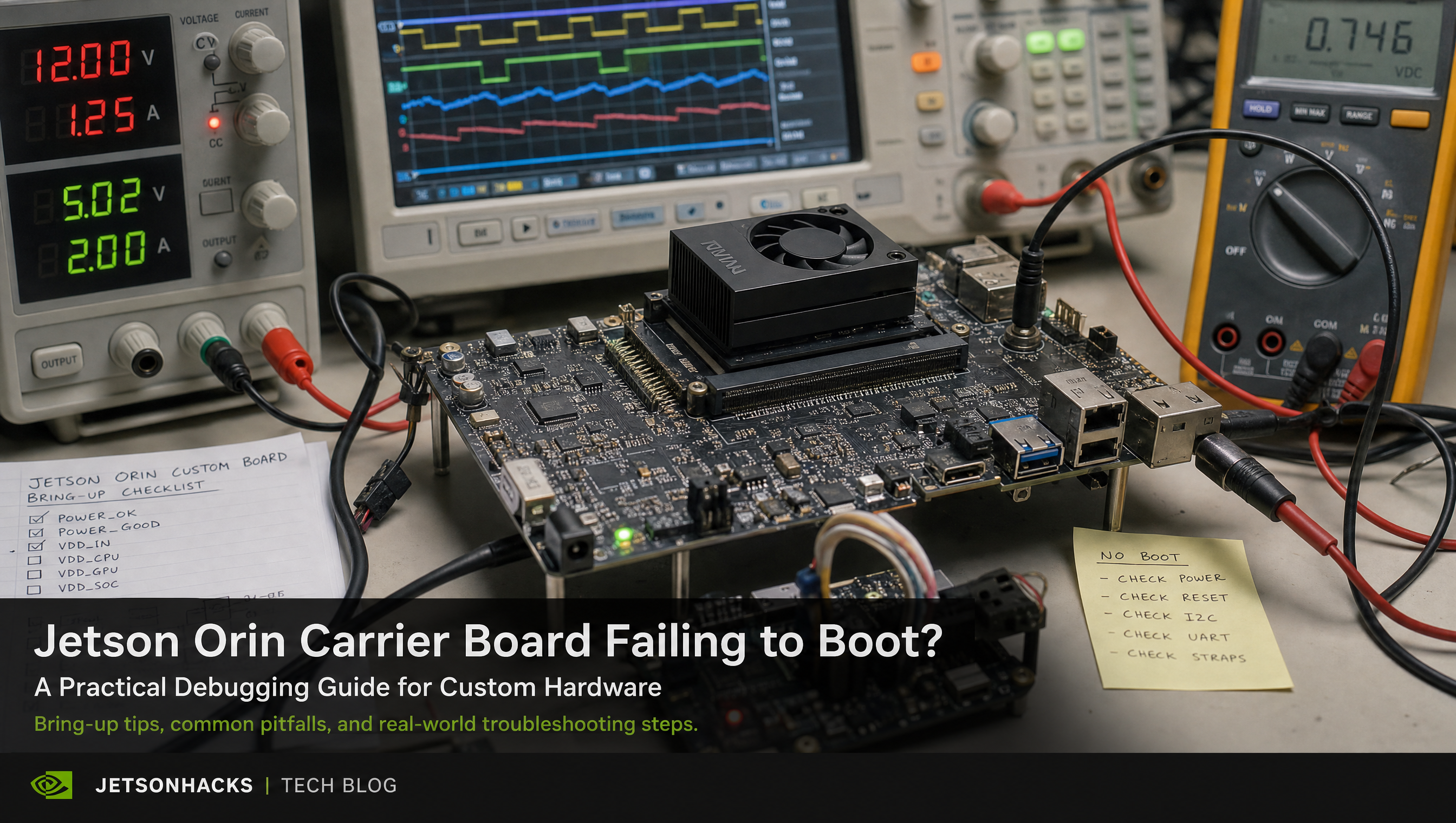
Custom Carrier Board Not Booting on Jetson Orin: Fixed in One Session
Farmhand AI’s custom carrier board came back from the board house, passed electrical validation, and then did nothing when connected to a Jetson Orin module. No serial output. No boot progress. The team had been trying to get it booting for two weeks when they called us.
We had it running within one working session.
Not because the problem was simple — it wasn’t. Jetson Orin carrier board bring-up involves a specific sequence of BSP configuration steps that aren’t intuitive and aren’t documented in one place. The board booted fast because we’d been through enough Jetson Orin bring-up failures to know exactly which parameters to check first.
Key Insights
-
A non-booting carrier board is usually a BSP configuration problem, not a hardware defect. Electrical validation doesn’t validate BSP configuration. A board can pass all electrical tests and still fail to boot because the EEPROM isn’t programmed, the ODMDATA is wrong, or the power sequencing doesn’t meet Jetson Orin’s timing requirements.
-
Three BSP parameters cause most Jetson Orin carrier board boot failures. Carrier board EEPROM programming, ODMDATA configuration in the BCT, and power sequencing parameters. Any one of them wrong can produce a board that outputs nothing on serial and appears completely dead.
-
The serial console tells you where it stalled — if you can read it. CBoot outputs diagnostic information during the early boot sequence. Engineers who know what to look for can identify the root cause from that output in minutes. Engineers reading it for the first time spend days searching for what the output means.
-
Pattern recognition compresses the timeline from weeks to hours. We’d been through this diagnostic path on prior Jetson Orin custom carrier boards. We knew which parameters to check, in which order, and what each failure mode looks like. Farmhand AI’s board was booting the same day.
-
Full IP transfer included the BSP configuration, device tree, and diagnostic notes. Everything Farmhand AI needed to reproduce the bring-up on future board revisions was in the handoff documentation. No dependency, no retainer.
What “not booting” usually means on a Jetson Orin custom carrier board
When a Jetson Orin module is connected to a custom carrier board and produces no output, the instinct is to suspect hardware. A trace is wrong. A power rail is shorted. The module is defective.
Hardware failure does happen — but it’s not the first place to look. The more common cause is BSP configuration that doesn’t match the actual hardware. The module has everything it needs electrically, but the software stack is trying to initialize hardware that doesn’t exist, looking for a device tree that doesn’t describe your board, or waiting for a power signal that’s arriving out of sequence.
Three parameters drive the majority of cases:
Carrier board EEPROM. The Jetson Orin module reads the carrier board EEPROM during early boot to identify what hardware it’s connected to. That ID drives device tree overlay selection — which peripherals to initialize, which GPIO assignments to apply, which power rails to configure. An unprogrammed EEPROM, or one programmed with the reference board ID rather than your custom board’s ID, causes the BSP to load a device tree that doesn’t match your hardware. The module may appear to boot partially and then stall, or it may produce no output at all depending on where the mismatch triggers a failure.
ODMDATA. ODMDATA is a configuration field in the Boot Configuration Table flashed to the module. It controls hardware configuration options: PCIe lane assignment, display configuration, storage device selection, USB mode. ODMDATA is often copied from a reference design without being updated for the custom carrier’s actual configuration. If ODMDATA specifies PCIe x4 and your carrier has PCIe x1, the bootloader initializes the wrong configuration and stalls.
Power sequencing. The Jetson Orin Hardware Design Guide specifies strict timing requirements for power rail bring-up. CARRIER_POWER_ON must assert within a specific window after VDD_IN stabilizes. VDD_IN slew rate must meet a minimum. If the carrier board’s power management IC doesn’t meet these timing requirements, the module stalls waiting for signals that aren’t arriving within spec. This produces the same symptom as a non-functional board: no serial output, no boot progress.
All three parameters need to match the actual hardware. Any one of them wrong can produce a board that looks dead.
How we diagnosed the Farmhand AI carrier board
Farmhand AI’s board was producing nothing on serial. That ruled out device tree and software issues — those produce output before stalling. Silence in CBoot means the problem is earlier in the boot sequence.
Step 1: Verify the serial console connection.
Before assuming the board isn’t outputting anything, verify the UART connection. The Jetson Orin debug UART runs at 115200 baud, 8N1. Wrong baud rate, wrong wire polarity, wrong port selection — these produce apparent silence from a board that’s actually outputting. We confirmed the console connection first, confirmed real silence.
Step 2: Check the carrier board EEPROM.
We read the EEPROM over I2C using a USB-I2C adapter before connecting the Jetson module. The EEPROM hadn’t been programmed. The board house manufactured it without the programming step — a common gap when the manufacturing BOM doesn’t explicitly include EEPROM programming as a step. With an unprogrammed EEPROM, the Jetson Orin module would default to the reference carrier board configuration, which doesn’t match Farmhand AI’s custom hardware.
We programmed the EEPROM with the correct board ID for Farmhand AI’s carrier configuration using the Jetson EEPROM tool. Reconnected the module. The board started producing CBoot output.
Step 3: Audit ODMDATA against the actual carrier hardware.
CBoot was now visible but stalling during peripheral initialization. The ODMDATA in the BCT had been copied from NVIDIA’s reference configuration and not updated for Farmhand AI’s custom peripheral set. Their carrier board had a different PCIe configuration than the reference design. CBoot was trying to initialize PCIe lanes that weren’t connected.
We updated ODMDATA to match the actual carrier hardware — reflecting the correct PCIe lane assignment and disabling the display configuration the reference design included. Reflashed the BCT. CBoot cleared peripheral initialization.
Step 4: Verify power sequencing timing.
The board was now booting further but occasionally failing at a point that didn’t correlate with specific software behavior. Intermittent boot failure after ODMDATA and EEPROM were correct usually means power sequencing. We put a logic analyzer on CARRIER_POWER_ON and VDD_IN and measured the assertion timing against the Jetson Orin Hardware Design Guide spec.
CARRIER_POWER_ON was asserting late — about 8ms past the specified window. The carrier board’s power management IC was using default soft-start settings that produced a VDD_IN ramp too slow for the Jetson module’s power-on sequencing expectations. We updated the PMIC configuration registers to tighten the ramp rate. CARRIER_POWER_ON was within spec. Boot became consistent.
Total elapsed time from first call to confirmed stable boot: one working session.
The fix
Three changes, one session:
EEPROM programming: Wrote the correct board ID using the Jetson EEPROM tool. This drives correct device tree overlay selection for Farmhand AI’s carrier hardware and eliminates the reference board configuration mismatch.
ODMDATA update: Updated the BCT ODMDATA field to reflect Farmhand AI’s actual PCIe configuration and removed reference board peripheral configuration that doesn’t apply to their hardware. Reflashed the BCT.
PMIC timing adjustment: Updated the power management IC soft-start configuration to tighten the VDD_IN ramp rate and bring CARRIER_POWER_ON assertion within the Jetson Orin timing spec.
Board booted cleanly and consistently after all three changes. Everything delivered — BSP configuration, updated BCT, device tree, PMIC register values, and the diagnostic notes documenting root cause for each issue — transferred to Farmhand AI with full IP ownership.
Why this pattern repeats
Hardware teams design carrier boards using Jetson reference schematics and hardware design guides. The electrical design is well-documented. BSP configuration for a custom carrier board is less so. The EEPROM programming step doesn’t appear in NVIDIA’s carrier board design checklist at the level of specificity that catches it before manufacturing. ODMDATA is documented but the mapping from configuration option to actual carrier hardware isn’t always obvious. Power sequencing timing requirements are in the Hardware Design Guide but PMIC configuration is carrier-specific.
The result is that boards come back from the board house electrically correct but BSP-misconfigured. Teams spend two to four weeks debugging something that, with pattern recognition from prior Jetson Orin bring-up work, resolves in hours.
If your custom carrier board isn’t booting on Jetson Orin, start with EEPROM, ODMDATA, and power sequencing — in that order. If you’ve already been through those and the board still won’t boot, the problem is further into the device tree or driver layer, which is a different diagnostic path. For what those failures look like, our JetPack 6 USB enumeration failure post covers a similar category of device tree mismatch on a running board.
Relevant Services
NVIDIA Jetson Expert Support
Stuck on a Jetson bring-up?
We've debugged this failure mode before. BSP, device tree, camera pipelines, OTA, most blockers clear in the first session. No long retainers. No guessing.
Frequently Asked Questions
Why won't my custom carrier board boot with a Jetson Orin module?
The most common causes are not hardware failures -- they're BSP configuration mismatches. An unprogrammed or incorrectly programmed carrier board EEPROM causes the module to load the wrong device tree. ODMDATA set for a reference board won't match your custom hardware. Power sequencing issues -- specifically CARRIER_POWER_ON timing or VDD_IN slew rate -- can stall the module before it outputs anything on serial. Check these three before assuming the board is defective.
What is the first thing to check when a Jetson Orin carrier board won't boot?
Attach a serial console to the UART debug port and watch the bootloader output. The output tells you exactly where in the boot sequence it stalled -- whether that's EEPROM read failure, device tree load failure, or a power rail issue. If you see nothing at all on serial, the problem is likely upstream of CBoot: power sequencing or a fundamental BSP mismatch.
How long does Jetson Orin carrier board bring-up take with an experienced team?
With pre-validated BSP configuration and pattern recognition from prior Jetson Orin bring-up work, a non-booting custom carrier board is typically resolved in one working session -- hours, not days. The same work performed by a team encountering Jetson Orin bring-up for the first time takes 2-6 weeks, primarily because the failure modes aren't documented and the diagnostic path isn't obvious.
Does a custom carrier board need a programmed EEPROM to boot on Jetson Orin?
Yes. The Jetson Orin module reads the carrier board EEPROM to identify which board it's connected to and load the correct device tree overlay. An unprogrammed EEPROM causes the BSP to default to the reference carrier board configuration. If your custom carrier board differs from the reference design -- different power rails, different peripherals, different GPIO assignments -- that mismatch will prevent a clean boot.
What BSP configuration parameters cause most Jetson Orin carrier board boot failures?
Three parameters cover the majority of failures: carrier board EEPROM programming (board ID drives device tree selection), ODMDATA configuration in the BCT (controls hardware options like PCIe lane assignment and storage configuration), and power sequencing parameters (CARRIER_POWER_ON timing, VDD_IN slew rate). All three need to match the actual hardware. Any one of them wrong can produce a board that appears completely dead.

Written by
Aarón AnguloCo-Founder & CEO · ProventusNova
Obsessed with client outcomes. Aarón ensures every engagement delivers real results, on time, on scope, no exceptions.
Connect on LinkedInRelated Articles
Hardware design mistakes that cause Jetson carrier board bring-up failures
The hardware design mistakes that reliably cause Jetson carrier board bring-up failures: power sequencing, EEPROM errors, ODMDATA mismatches, and PCB.
Jetson Carrier Board Not Booting: 6 Root Causes Nobody Documents
Jetson carrier board not booting? Six root causes -- EEPROM, ODMDATA, power sequencing, boot device, device tree, partial flash -- with how to diagnose each.
What engineers wish they'd known before their first Jetson carrier board
Hard-won lessons from Jetson custom carrier board bring-up: what experienced engineers do differently the second time, covering BSP, hardware design, and.
The 30% Tax™ Is Not an Upwork Problem. It's a Jetson Expertise Problem.
20-30% of every engineering hour on Jetson BSP work is platform ramp. It hits internal teams the same as contractors. Here's what it costs and why.